Product tour
From data to done, in three steps.
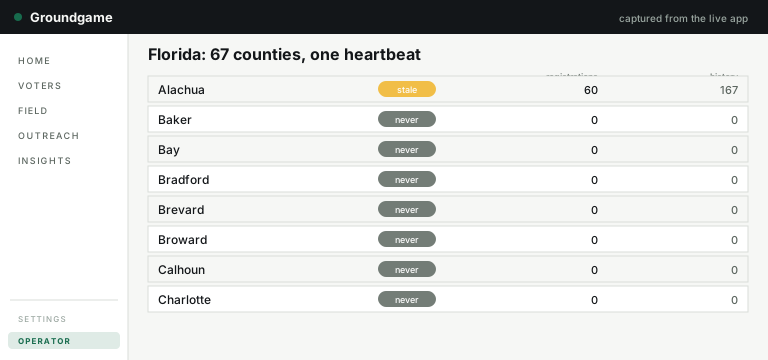
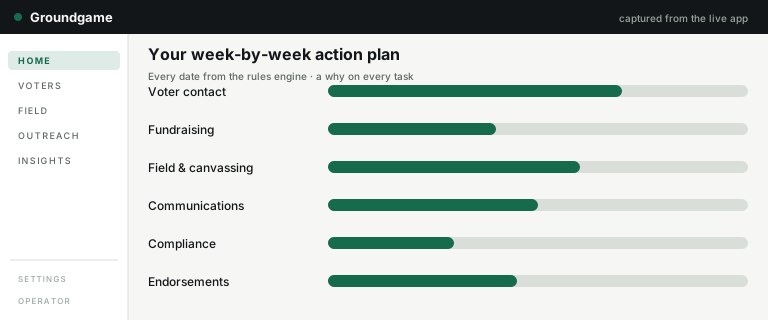
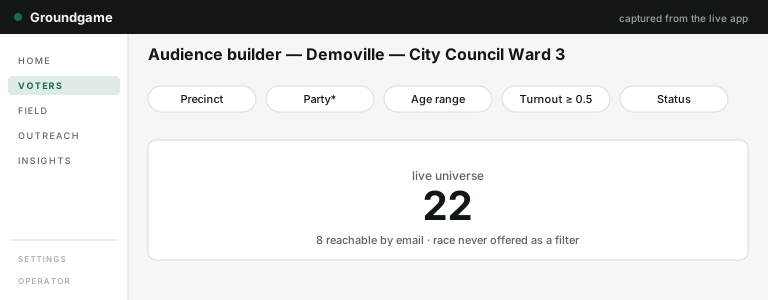
Three steps from data to done. The images below are drawn by the product itself: a script loads a made-up demo county, runs the real console, plan and list code, and draws each screen's layout and numbers. They are diagrams, not photographs. For the files the product actually hands you, see the samples.
Step 1
Pick your race, or bring your file
Choose your Florida county and office and, where that county is loaded, your voters come in from the county voter file. Or import your own CSV. Either way you start with real voters, not a blank screen. Groundgame covers Florida counties only for now.
Step 2
Get a week-by-week plan
Your race becomes a plan to election day, organized by workstream, with a why on every task and the dates handled by a rules engine — never guessed.
Step 3
Make lists and execute
Filter your voters with live counts, then work the list from one place: walk lists with every door logged, phone scripts with every call logged, mail plans with lists ready for your print vendor, and email and text drafts checked against the rules, approved and logged. Groundgame drafts and logs email and texts; it does not deliver them. Exports honor exemptions and suppression, and never expose exact dates of birth.
Under the hood
A real platform, not a pile of features.
Each state's voter file is read by its own adapter, each new file is compared with the last one so you see what changed, voters get a turnout score, and you can compare your numbers with similar campaigns.
Two things that sentence does not say, on purpose. The adapters are built for more than one state and one state is sold: Florida. And comparisons only show over at least five similar campaigns with yours excluded — under that floor you see nothing rather than an approximation. How your data is handled is on the security page.
Being built now
Two editions that do not exist yet.
Named here because they are real build work with founder rulings behind them, and bracketed here because nothing about them is settled enough to sell.
Not built yet
Officeholder mode
Winning a race ends a campaign and starts a job. Officeholder mode is a mode on the same campaign for the people who hold the seat rather than seek it — constituent contact instead of persuasion, casework instead of a win number. Converting is meant to be a deliberate, audited choice, never something that happens to you.
- Available:
- [OFFICEHOLDER AVAILABILITY]
- Price:
- [OFFICEHOLDER PRICE]
- In it at launch:
- [OFFICEHOLDER SCOPE]
Not built yet
The party edition
County parties already have a home here — every race on one page. The edition packages it: who has filed for which seat from the public filings record, where the open seats are, and a recruitment view built on an honest denominator that says which counties the feed actually covers. Available to organizations of any affiliation, on the same published terms.
- Available:
- [PARTY EDITION AVAILABILITY]
- Price:
- [PARTY EDITION PRICE]
- Counties covered:
- [PARTY FEED COVERAGE]
The brackets are the point. Each one is a fact a person has to supply once it is true; none of them will be filled with a guess, and neither edition appears on the pricing page until it has a price.
See it on your own race.
Tell us your office and election date; we'll walk you through a demo campaign and sketch your first two weeks.
Ask for a demo